Before you start
You do not need an account; you get the core score without signing up. All you need is the address of the page you want to test. The homepage is usually a good start, but it is best to also test the page that actually drives sales (product, service, contact).
Option 1: Run it from the site (no signup)
Go to the Free SEO Analysis page, type your full address with https:// into the box and press Analyze. Your scores and findings appear within about 60 seconds.
Option 2: Run it from the panel (signed in)
If you have an account, you can start an analysis from the UC SEO Audit page in the panel. The advantage is that your past analyses are kept: after fixing a page and re-scanning, you can compare how the score improved.
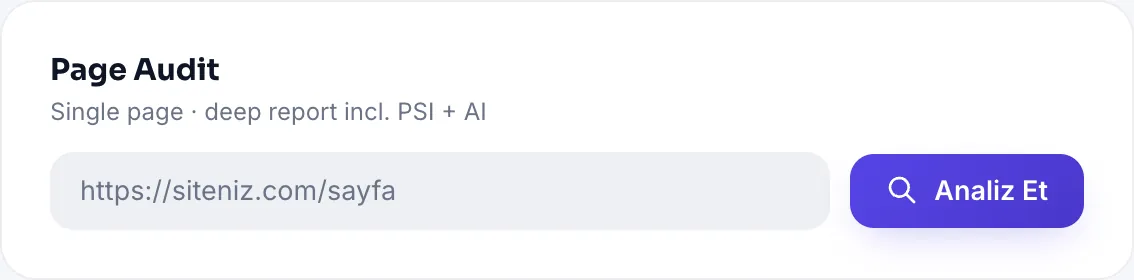
Step by step
- Enter the address. Type the full address of the page you want to test.
- Start the analysis. The page is fetched safely and the signals are checked.
- See the scores. SEO, GEO, Schema and Performance are scored separately.
- Check the counters. The critical / medium / low counts tell you where to start.
- Fix and re-scan. Start with the highest-impact items and re-run to watch the score rise.
Daily limit and cooldown
Two limits protect both the server and the sites being analyzed:
| Limit | Why it exists |
|---|---|
| Daily analysis quota | A few analyses on free usage, more on Pro; your remaining quota shows as a colored badge on screen |
| Cooldown per site | Prevents scanning the same address back to back; re-scanning before making fixes is pointless |
Enter your address and see the result in 60 seconds.
Free SEO AnalysisAll Pro features free for 14 days; no credit card, live with a single line of code.
Create a Free Account